Ad Campaigns with First-Party Attribution, Cookie Consent, and Photo Suggestions
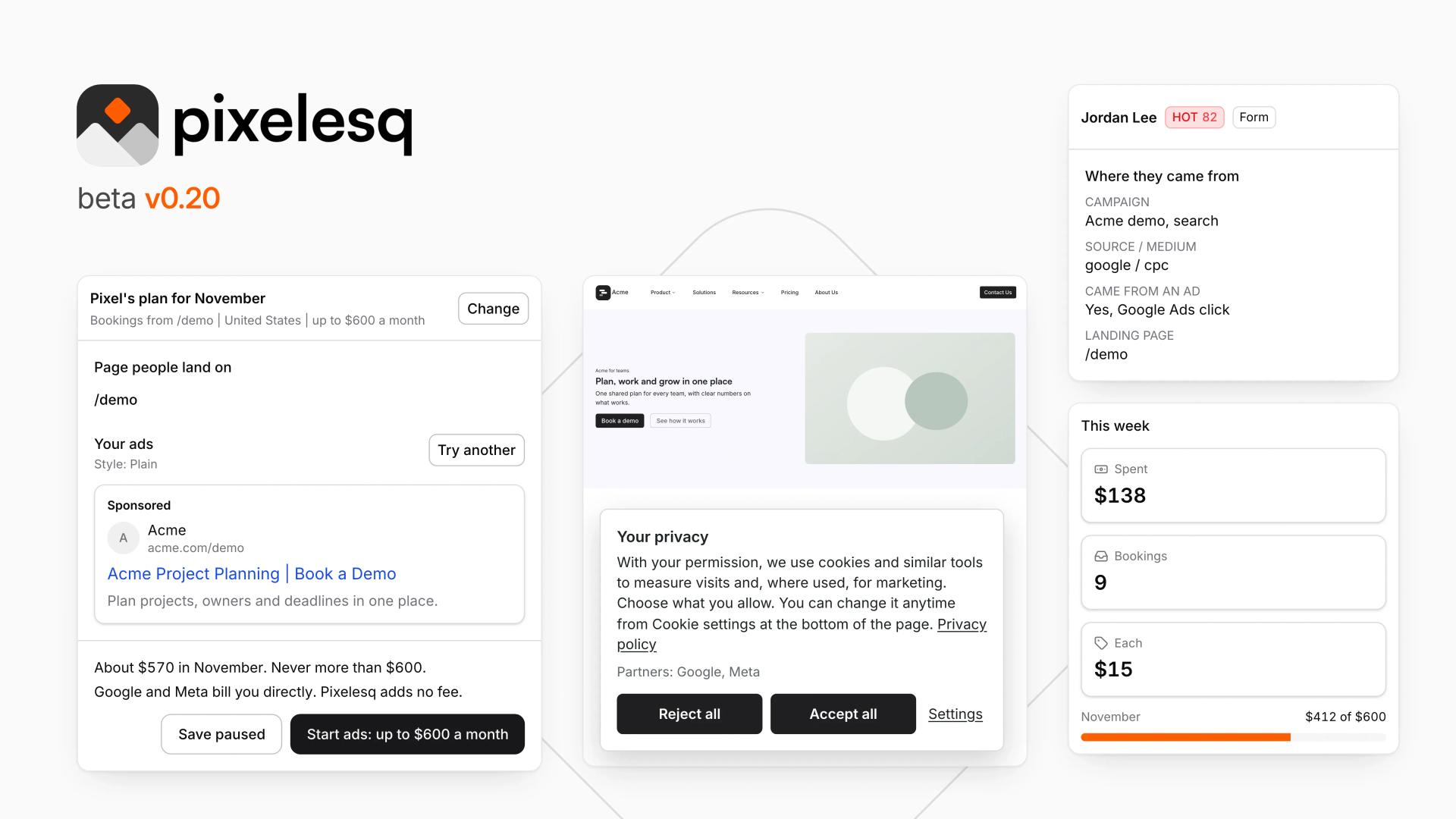
You can now run ad campaigns from inside Pixelesq. Connect Google Ads, Meta, and LinkedIn, let the AI write the copy, set a budget, pick a landing page, and launch. Cost per lead is tracked from the first click. When a visitor fills out a form after clicking an ad, the campaign and ad source appear in the leads inbox alongside their submission. First-party attribution with no extra tools.
A built-in cookie consent banner ships in this release. Configure regions, gate scripts behind consent, run cookie-free analytics, and give visitors a privacy settings panel. Compliance for your sites without a third-party service.
The editor now suggests photos and icons under empty fields. Open an image or icon field and get contextual suggestions before typing a prompt.
- Google Ads integration: Connect and launch Google Ads campaigns directly from Pixelesq
- Meta integration: Connect and launch Meta ad campaigns with people-reached tracking
- LinkedIn Ads integration: Connect and launch LinkedIn ad campaigns
- AI copy generation: AI writes ad copy when creating a new campaign
- Cost per lead: Campaign home shows cost per lead tracked from click to form submission
- Ad source in leads: Campaign and ad source shown in the form and lead inboxes, filterable by ad
- First-party ad tracking: Ad source captured in a first-party cookie that follows the visitor through the cookie banner and into the form submission
- Campaign management: Overview, Ads, Budget, and Accounts tabs with plan sheets, spend sheets, and pause/resume controls
- Built-in cookie consent banner: Configurable per region with script gating and consent-aware analytics
- Cookie-free analytics: Analytics that work without cookies for visitors who decline
- Privacy settings panel: Visitor-facing privacy preferences on your site
- Photo suggestions: Contextual image suggestions under empty image fields before typing a prompt
- Icon suggestions: Contextual icon suggestions under empty icon fields
- MovingLogoColumns: Vertical animated logo marquee
- MovingLogoRows: Multi-row animated logo marquee
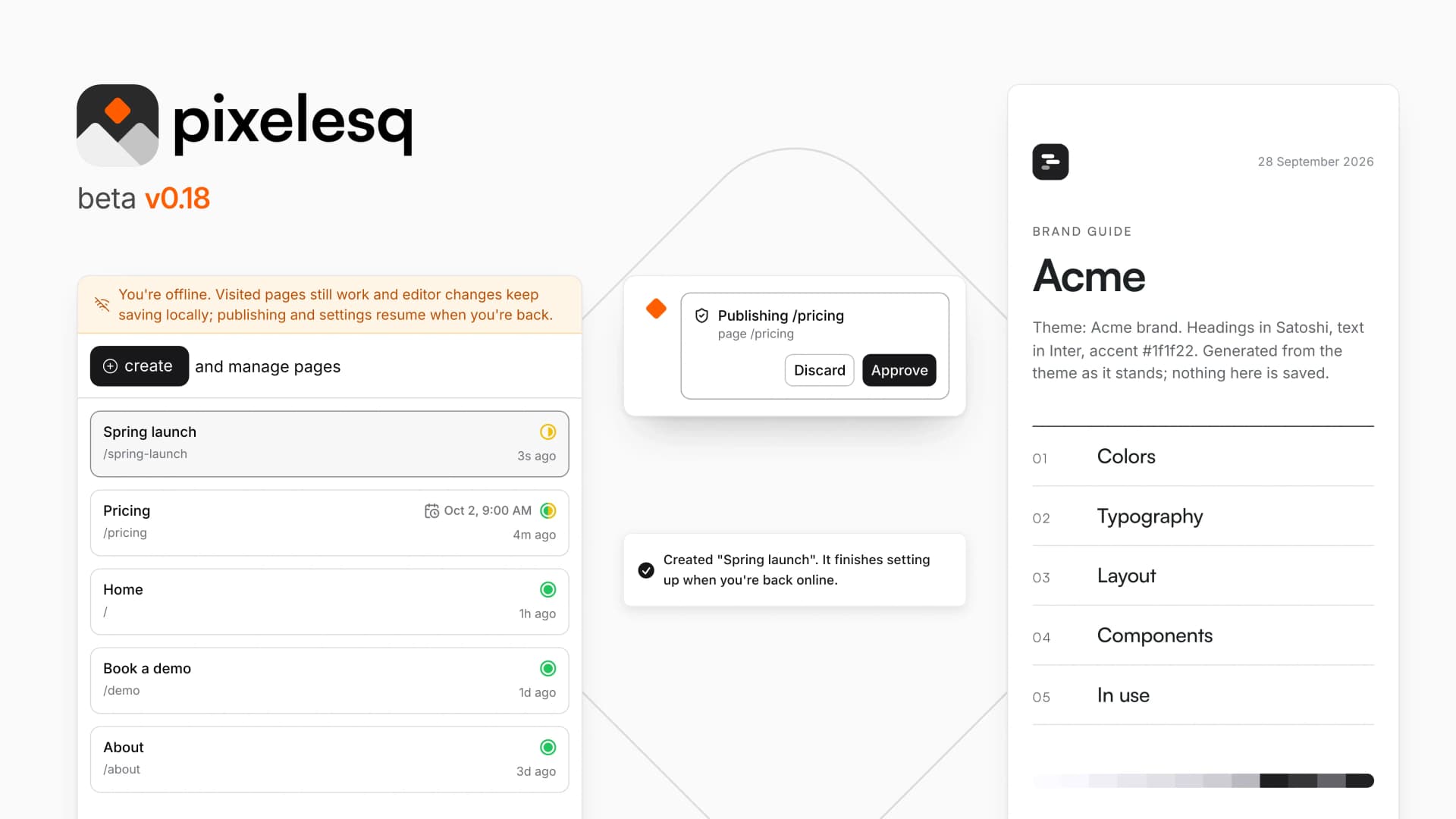
- Brand board on the themes page with page status circles for unpublished edits
- Guide PDF export and Write story actions in the themes panel
- Per-form thank-you message after submission
- Desktop app: version notice, Mac window fixes, and session renewal
- Template right-click menu with set-as-default option
- Slack: connect your account page with file attachment support in chat
- Fixed chatbot giving dead-end responses after every saved answer in chat form mode
- Fixed editor datasource tab not appearing for sections bound in the current session
- Fixed template field menu looping on self-referencing collections
- Fixed FAQ editor opening all answers instead of one at a time